
PDF Master: Unlock & Edit PDF
OFFICIAL ANDROID RELEASE
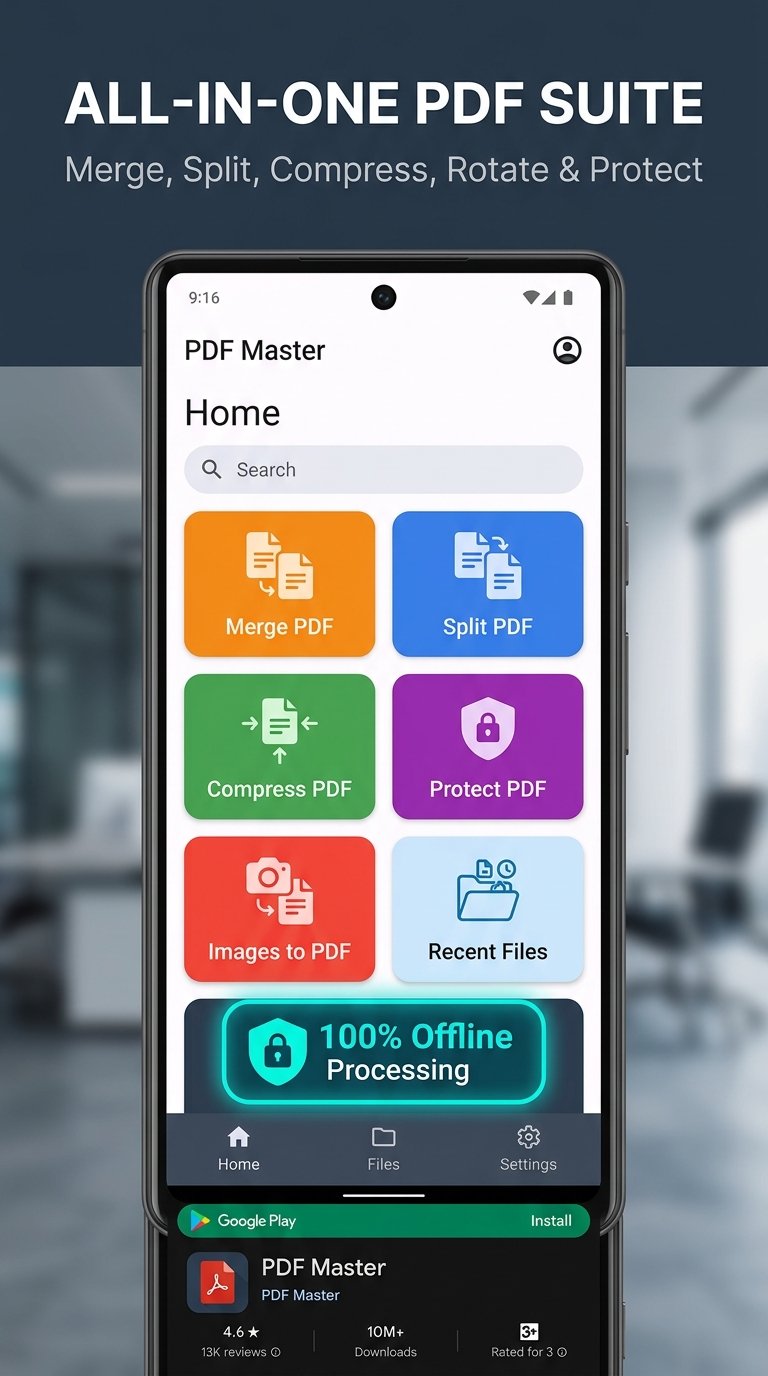
100% OFFLINE & SECURE
PDF Master: Unlock & Edit PDF
Unlock, edit, sign, merge, annotate, and protect PDF documents 100% offline with complete on-device privacy.
Rating
4.9 ★★★★★
Target Android
Android 14+ (SDK 37)
Architecture
Jetpack Compose M3
Data Security
Zero Cloud Uploads
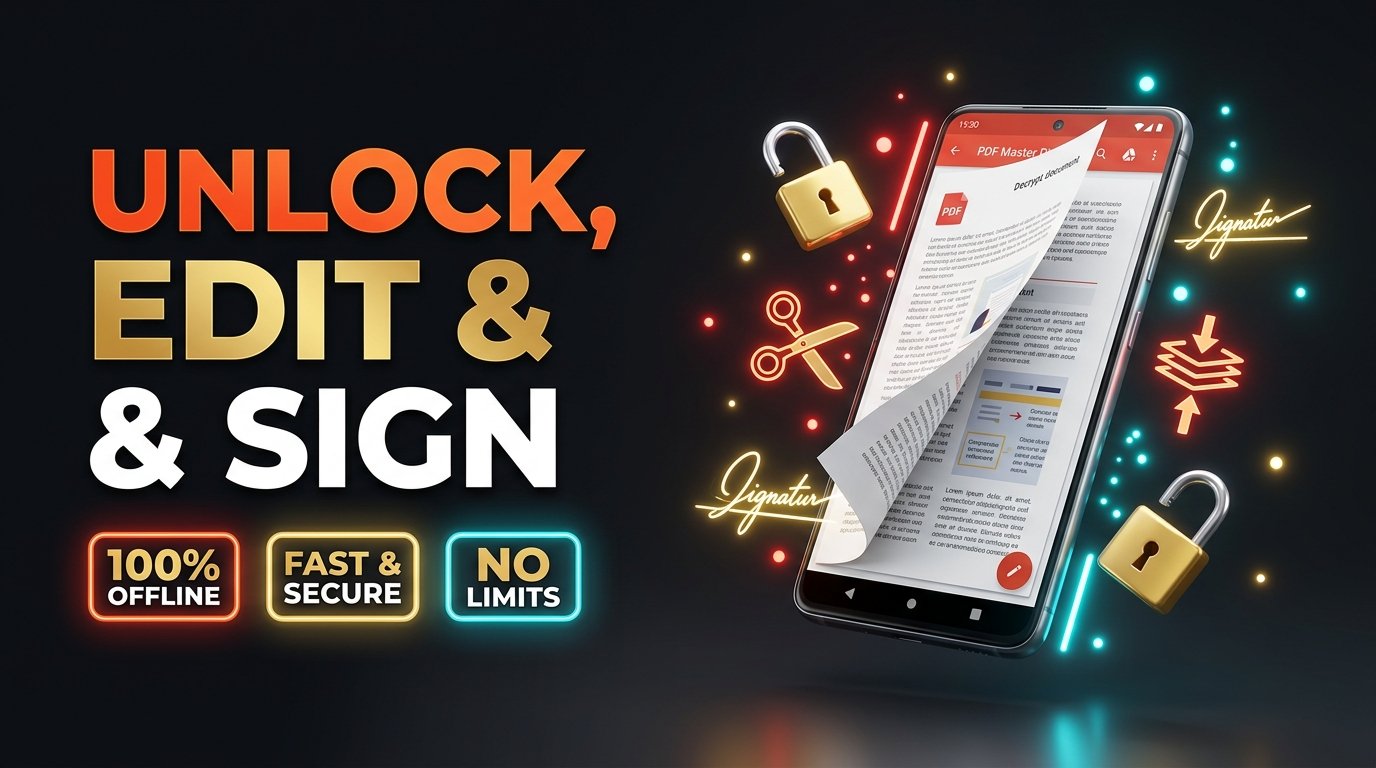
App Screenshots & Workflow
Why Choose PDF Master?
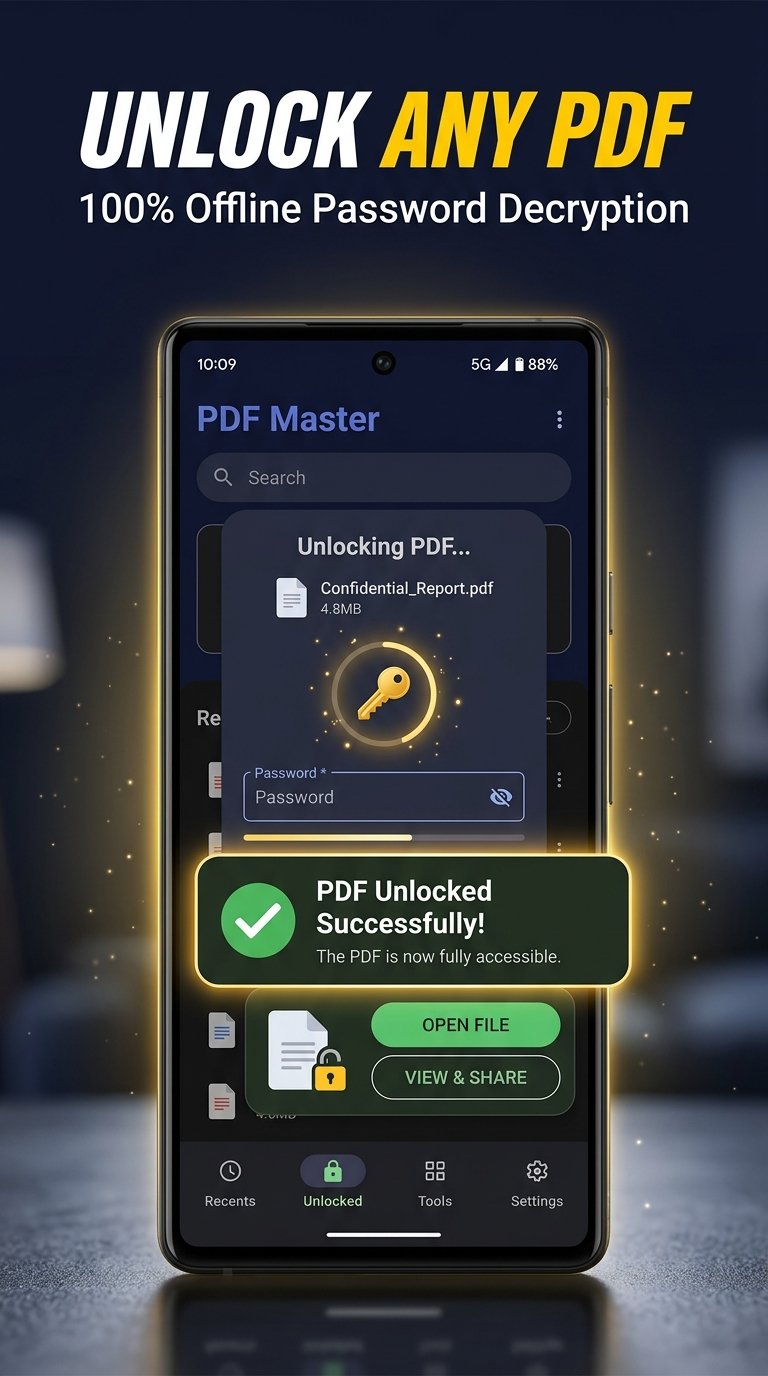
🔓 1. Unlock Password-Protected PDFs
Enter your password once and permanently unlock salary slips, bank statements, and invoices for hassle-free printing and archiving.
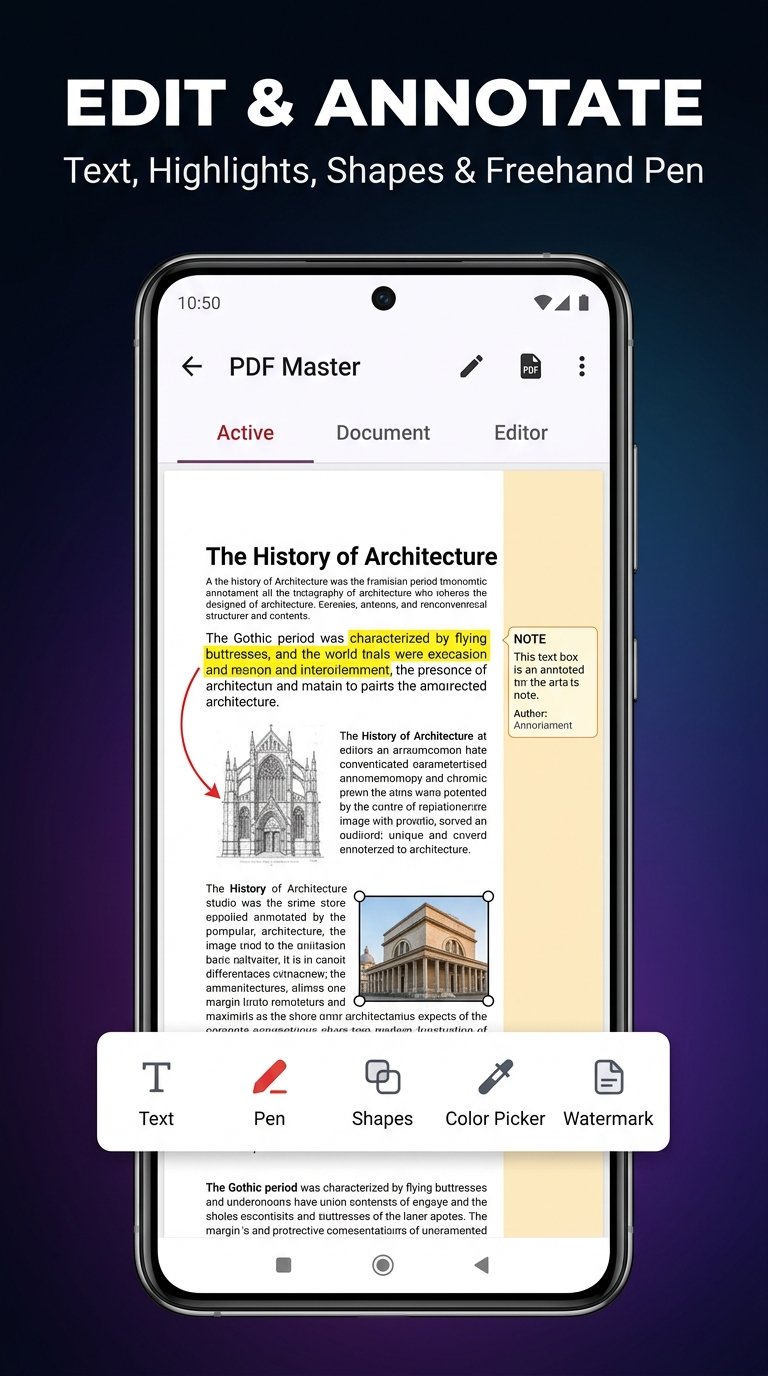
📝 2. Annotate, Highlight & Edit
Draw, highlight, underline, add sticky notes, and insert text boxes directly on any PDF document with high-precision rendering.
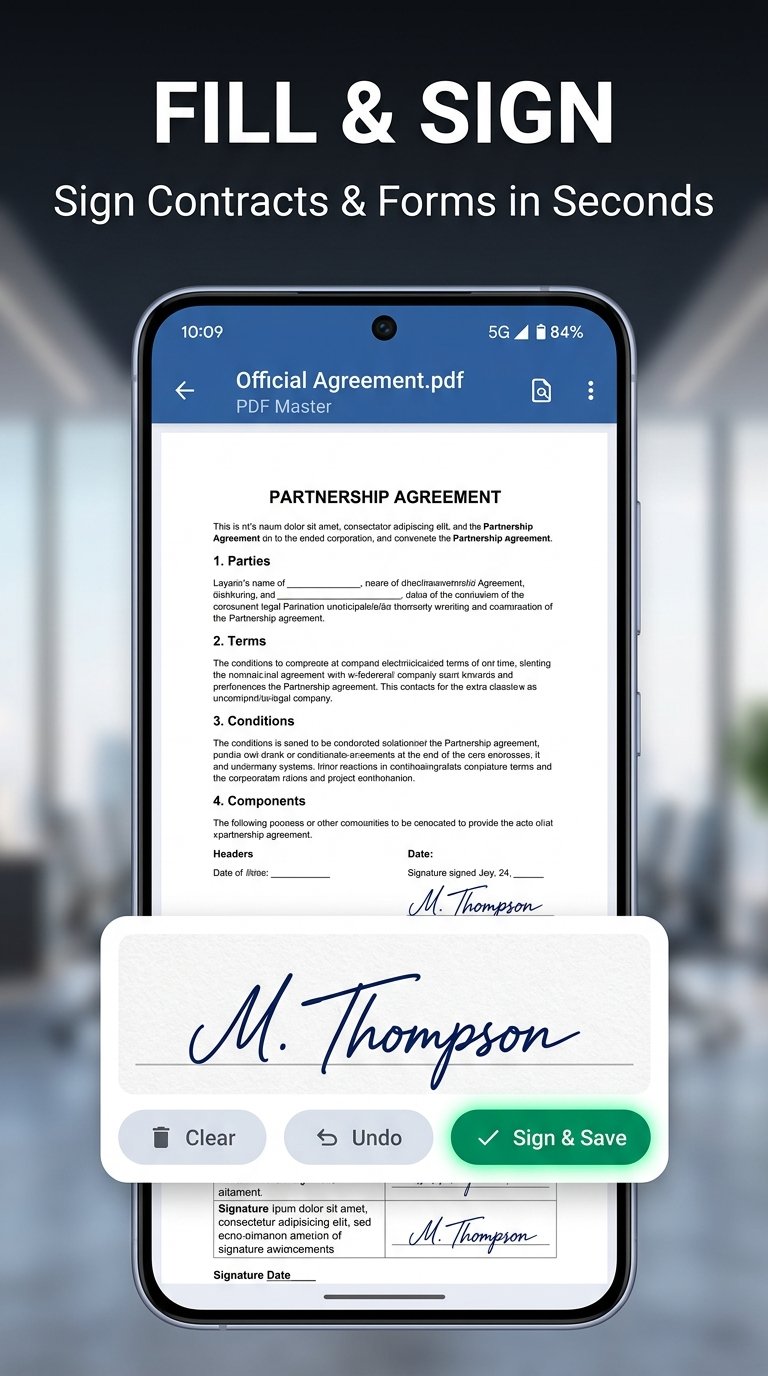
✒️ 3. Natural Electronic Signatures
Sign contracts, tax files, and agreements with your finger or stylus. Save reusable signatures with transparent backgrounds.
🛡️ 4. 100% On-Device Privacy
Zero cloud uploads. All document modifications, conversions, and rendering happen strictly within your phone’s sandbox memory.
Technical Specifications
| Package Name: | com.sohaib.pdfmaster |
| Current Version: | 8.0.2026 (Production Release) |
| Compatibility: | Android 8.0 (Oreo) and above (Target: Android 14+ / SDK 37) |
| Category: | Productivity / Business / PDF Tools |
| Developer Support: | support@sohaibworld.com |
Experience Effortless PDF Unlocking & Editing
Available now on Google Play. Lightweight, lightning-fast, and 100% private.